Simulator
adamo simulate runs a robot in MuJoCo on your computer and streams it to Adamo like a real one. Use it to try the operator page, VR teleop, recording and hosted inference before you have hardware.
Run it
Section titled “Run it”pip install "adamo[simulator]"export ADAMO_API_KEY=ak_... # Settings → API Keysadamo simulateIt prints a link to the robot on operate.adamohq.com. Each simulator has its own dependencies, which uv installs into your user cache on the first run; the simulator extra brings uv along if you don’t have it.
| Option | Effect |
|---|---|
--robot yam | Two YAM arms on a table (the default) |
--robot g1 | A Unitree G1 humanoid that walks |
--name NAME | The robot name to stream as |
--viewer | Also open a MuJoCo window |
--record | Record the robot while someone controls it (see Recording) |
--help | All options for the chosen robot |
YAM arms
Section titled “YAM arms”adamo simulate --robot yam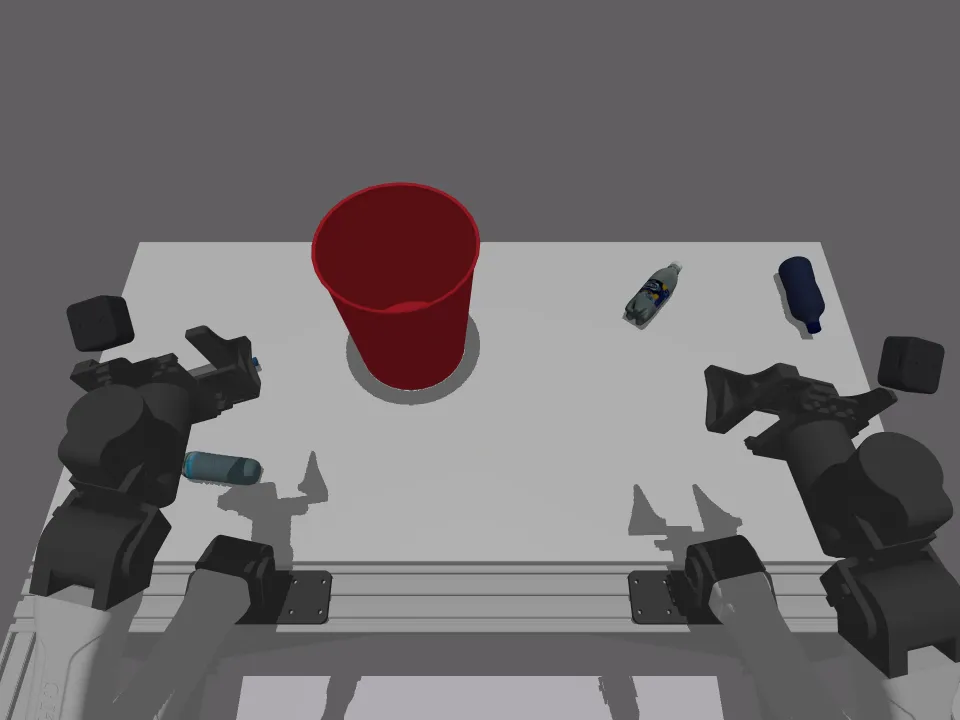
Two YAM arms put plastic bottles in a bin, a task from ABC. The robot streams a stereo head camera (head) and a camera on each wrist (wrist_left, wrist_right).
- VR: hold a Quest controller’s grip button to move that arm’s gripper with your hand, and squeeze the trigger to close it.
- Programs: send 14 joint targets,
{"action": [left_j1..j6, left_grip, right_j1..j6, right_grip]}, on anycontrol/channel. Grippers go from0(closed) to1(open). - Hosted policy:
adamo simulate --inferencehas Adamo’s hosted policy put the bottles in the bin. See Inference.
When every bottle is in the bin, the scene resets with new bottles.
G1 humanoid
Section titled “G1 humanoid”adamo simulate --robot g1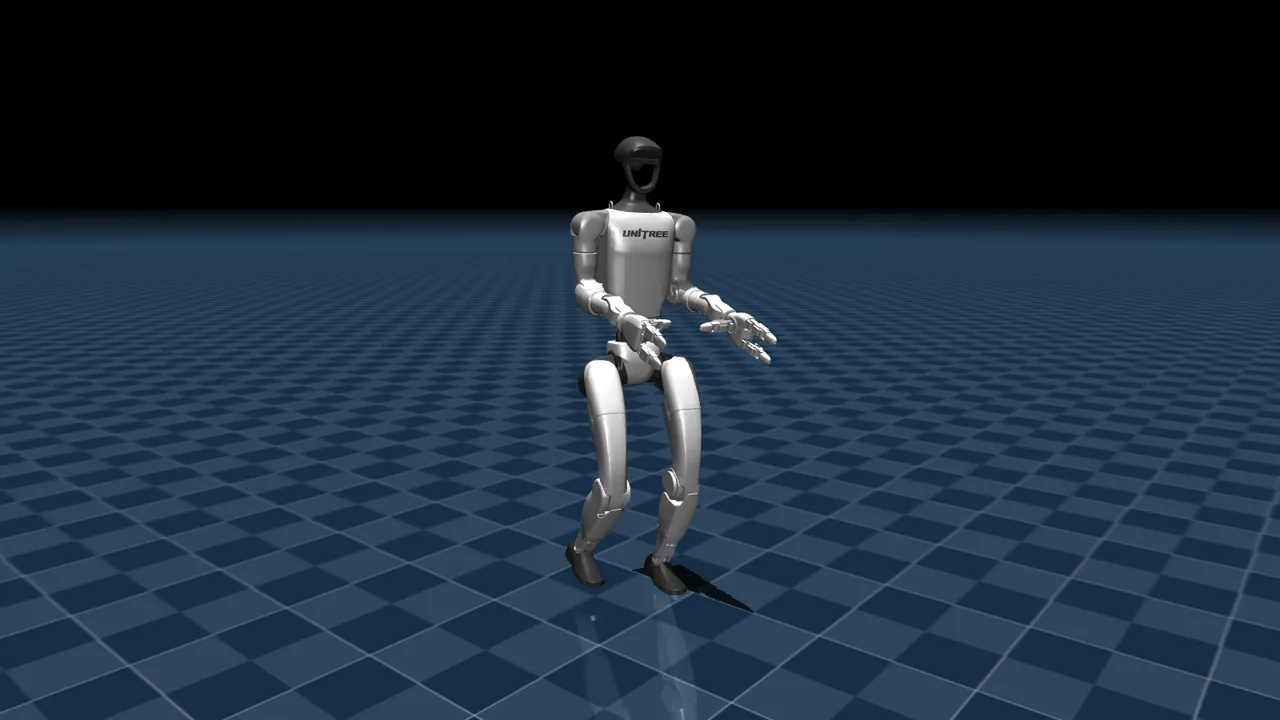
A Unitree G1 walks with NVIDIA’s GR00T whole-body controller. The first run downloads the robot model and the walking policies (about 34 MB). The arms hold still; the G1 only walks for now.
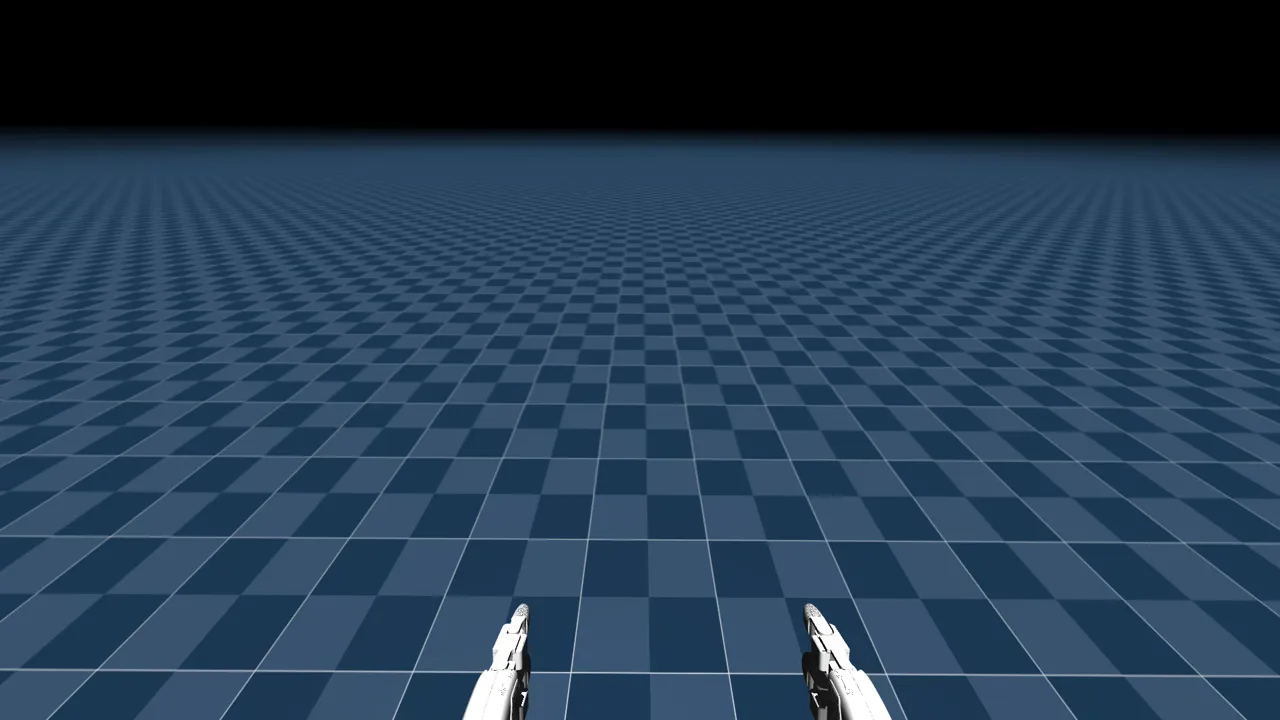
The head has two cameras 6 cm apart, streamed as the two eyes of a stereo pair (head_left and head_right, 1920×1080 each), so a headset shows depth.
Drive it from the operator page:
| Input | Walk | Turn | Step sideways |
|---|---|---|---|
| Keyboard | W / S or ↑ / ↓ | A / D or ← / → | Q / E |
| Gamepad | Left stick | Right stick | Left stick |
| Quest controllers | Left thumbstick | Right thumbstick | Left thumbstick |
From a program, send a velocity in m/s and rad/s on control/cmd_vel at least every 0.5 s:
{"linear": {"x": 0.4, "y": 0.0}, "angular": {"z": 0.5}}The robot stops by itself when every input goes quiet, so a closed tab or a dropped connection never leaves it walking. If it falls, it stands back up a second later.